Five LFOs. Total movement.
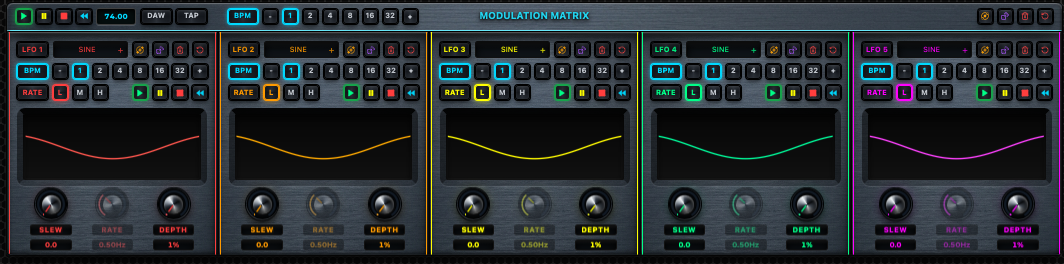
Five independent, color-coded LFO lanes and a modulation matrix create evolving motion across Delta’s creative signal path.
Five independent LFOs sit at the center of Delta Processing Engine. Move slowly or move fast. Lock to BPM or let the system run free. Randomize the system into the unexpected, then lock the parts worth keeping—driving filters, extreme sampler-speed changes, and unfamiliar noise textures from subtle motion to controlled chaos. It is a creative design tool built on phase nulling. DELTA is the result.
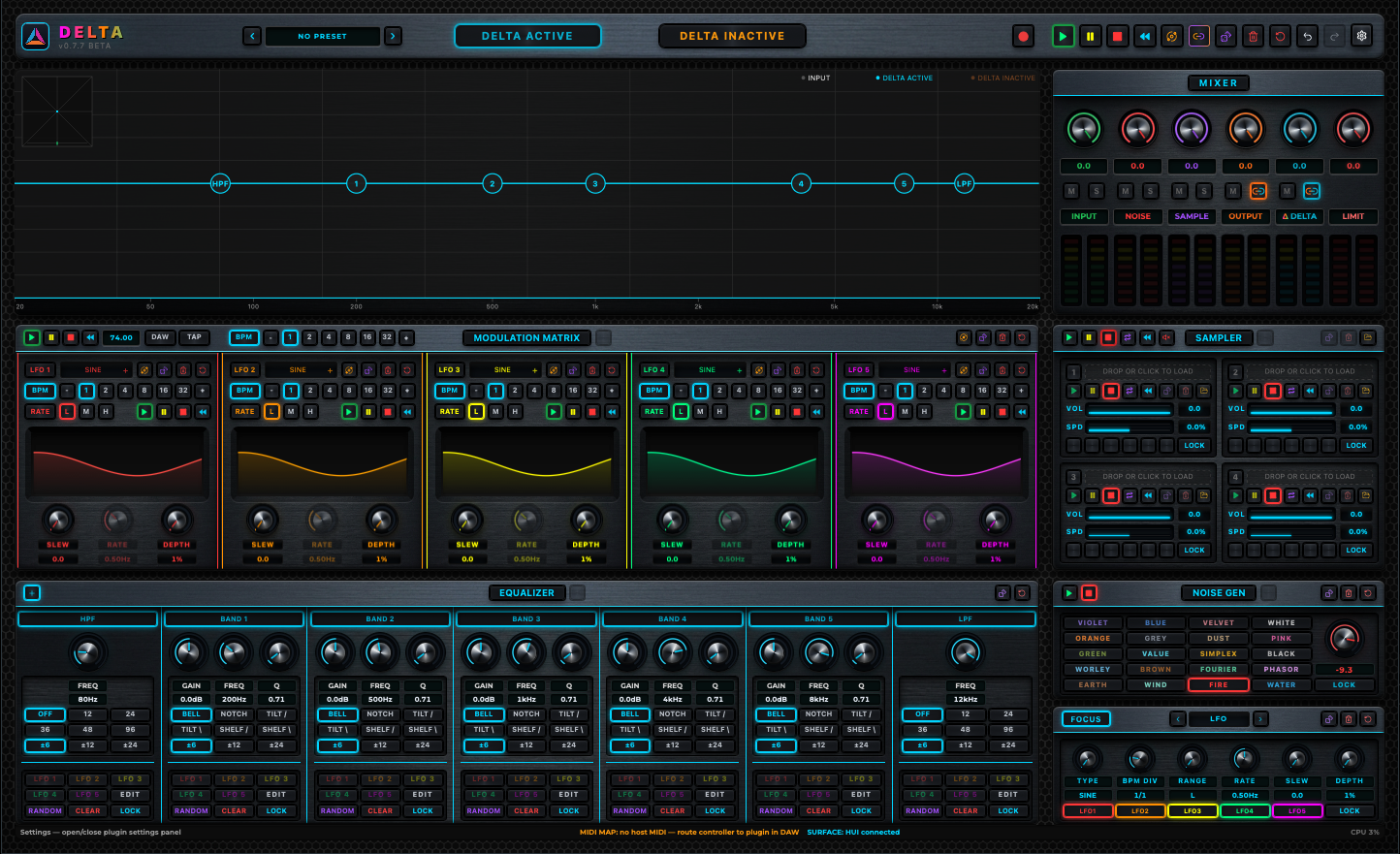
Route five LFOs through filters, four samplers, and twenty built-in traditional and elemental noise types. Build deliberately or use Randomize All and Orbit to discover a new system in one gesture, then lock what works and keep moving.
Delta’s phase-inversion topology nulls the dry signal against the processed path. At neutral settings the result is silence. Animate a filter, introduce a noise texture, or transform a sample and the difference left behind is DELTA.
Five LFOs form the motion system; filters, noise, sampling, and analysis make that motion playable and precise.
Five independent, color-coded LFO lanes and a modulation matrix create evolving motion across Delta’s creative signal path.
Randomize All reshapes EQ bands and LFO parameters. Orbit reroutes all five LFO destinations. Link them for one combined creative reroll, while locks preserve the parts you want to keep.
A 7-band EQ—HPF, five fully shaped middle bands, and LPF—shapes the processed side of the phase null and turns filtering into an expressive sound-design stage.
Tempo-synced LFO rates keep modulation moving with the session while five color-coded lanes make complex motion readable.
Four sampler slots turn loaded sounds into moving material, with per-slot speed control for dramatic changes in pace, pitch, texture, and feel.
Twenty built-in noise types span traditional sources and elemental generators, with type-specific controls that open unusual material for modulation and sound design.
A real-time FFT, EQ magnitude curve, stereo meters, and goniometer keep the relationship between input, output, and delta visible.
Factory, User, and Favorites organize sound presets. User presets recall EQ and all five LFO lanes—including destination assignments—while MIDI, control-surface, and OSC setups have their own preset libraries.
The current macOS build targets standalone operation and the principal professional plugin formats.
A dedicated macOS application with stereo input and output.
Native Audio Unit format for compatible macOS hosts.
VST3 plugin format for compatible macOS production environments.
AAX format for Pro Tools workflows on macOS.
AU, VST3, and AAX builds support Mono→Mono, Mono→Stereo, and Stereo→Stereo track configurations. Standalone is Stereo→Stereo. Across formats, Delta supports presets, custom MIDI, OSC, and supported control-surface workflows; Standalone additionally owns its audio and controller device ports directly.
The standalone macOS app is its own stereo creative environment, with direct device routing and dedicated controller workflows.
Stereo input and output with support for Core Audio devices, including wireless output workflows.
Keep a keyboard or pad controller open alongside a separate HUI, MCU, or Logic control surface.
Standalone adds dedicated surface input and feedback-output selection for motorized faders, rings, meters, and LEDs.
Standalone recording is planned as a local workflow. The current development build reserves the interface, but the recorder backend is not yet complete.
Dense when it needs to be, consistent where it matters: analysis, modulation, EQ, sampling, noise, and level control remain visible in one fixed composition.
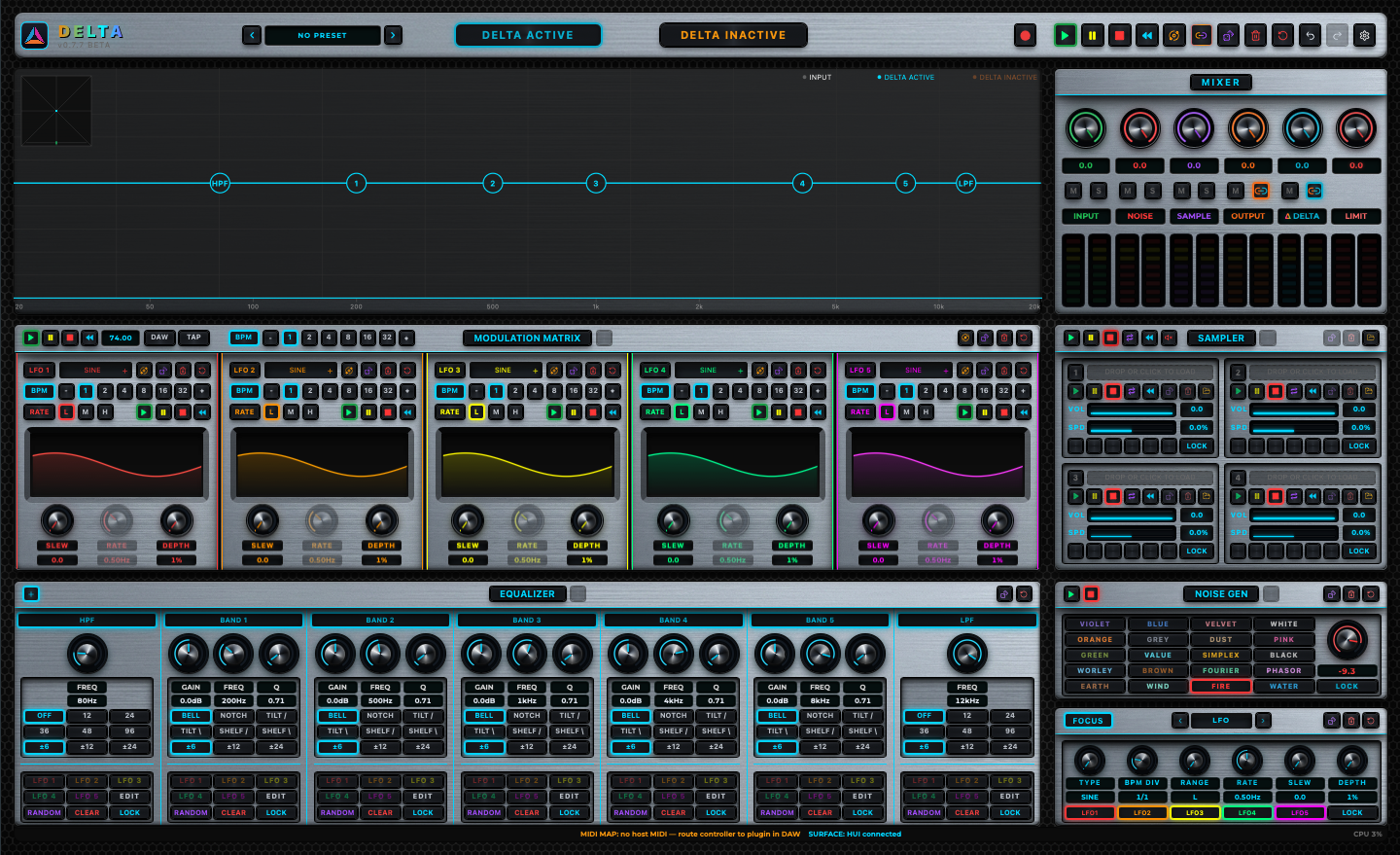
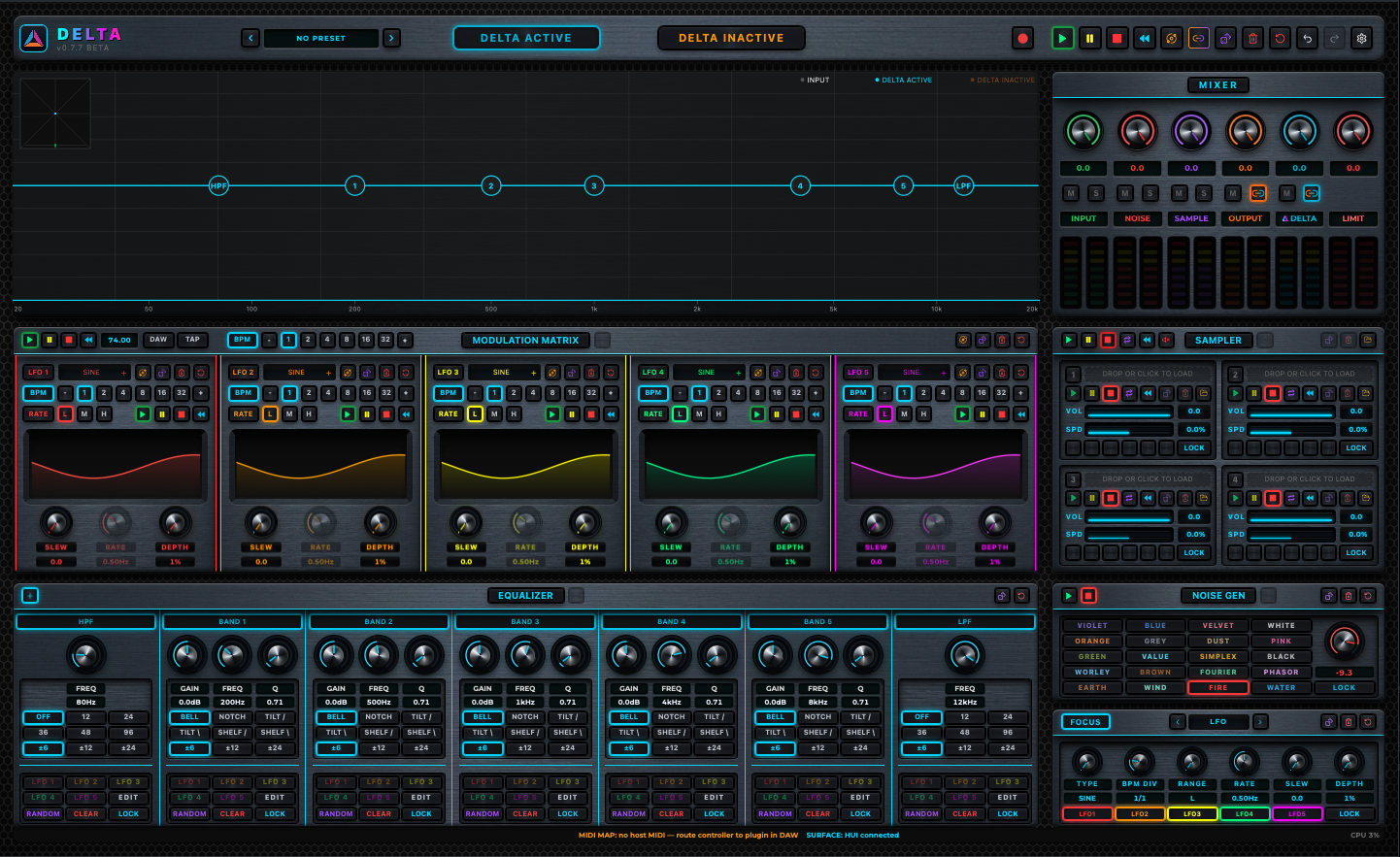
Red, orange, yellow, green, and purple identify the five LFO lanes and carry their routing state through the interface. Cyan remains the structural accent and the active Delta signal.
The prototype is ready for product films, guided tutorials, and side-by-side audio demonstrations as approved media becomes available.
A short local motion study built from the current interface capture.
Signal flow, null behavior, and critical-listening workflow.
Five LFO lanes, routing, rate ranges, and destination control.
Sampler-speed transformations, traditional and elemental noise, and type-specific controls.
Each slot is prepared for an approved product example. Playback stays deliberately disabled until real Delta-rendered audio is supplied.
Exact minimum OS, architecture, and host-version compatibility will be published after the release validation matrix is complete.
Delta is in active development. The product, release packaging, licensing, and distribution path are still being prepared. There is no public installer or purchase flow at this stage.
Product documentation and support routes will be published as the beta distribution path comes online.
Setup, signal flow, modulation, sampling, and control reference.
Available with beta ↗Installation, compatibility, licensing, and product assistance.
Contact route forthcoming ↗Release notes, fixes, validation status, and known limitations.
Published with releases ↗